The Blog.
Insights on design thinking, product strategy, and the intersection of AI and creativity.
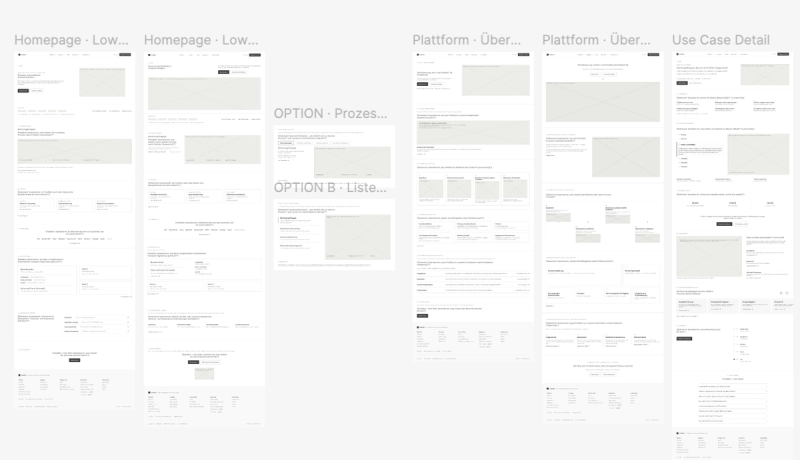
Do Website Projects Still Need Low-Fi Wireframes?
You can generate a convincing website in a few minutes now. So why would you still spend time drawing grey boxes?
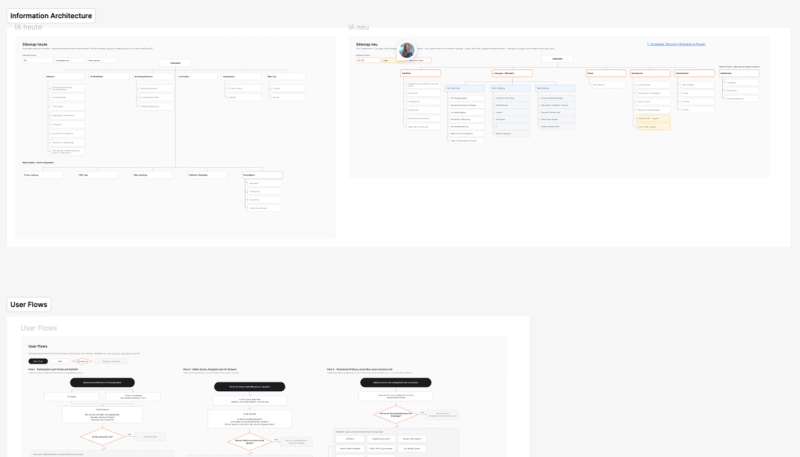
How I Decide What Pages a Website Needs
Before you can design a website, you need to know which pages you are actually designing. The homepage, sure. But what else?

How I Run Discovery Workshops for Website Projects
Where discovery sits in a website project, when a workshop is actually useful, and how I run one.
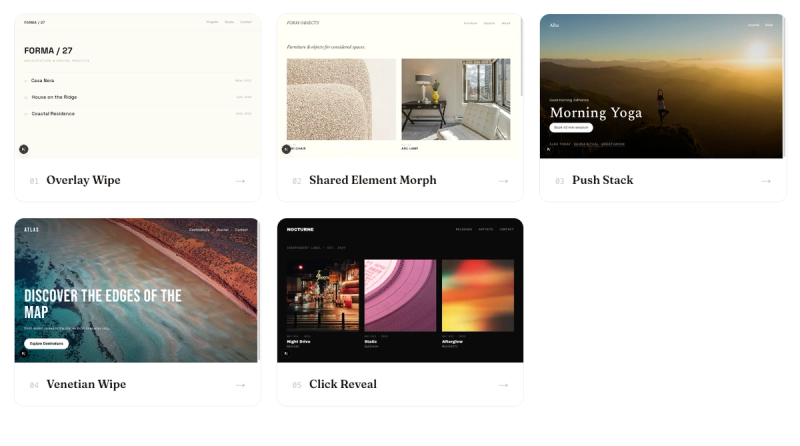
I Keep Collecting Page Transitions. So I'm Building My Own Library.
Beautiful page transitions are everywhere and almost nowhere you can reuse them. Why I'm building my own library paired with the contexts where each one actually belongs.
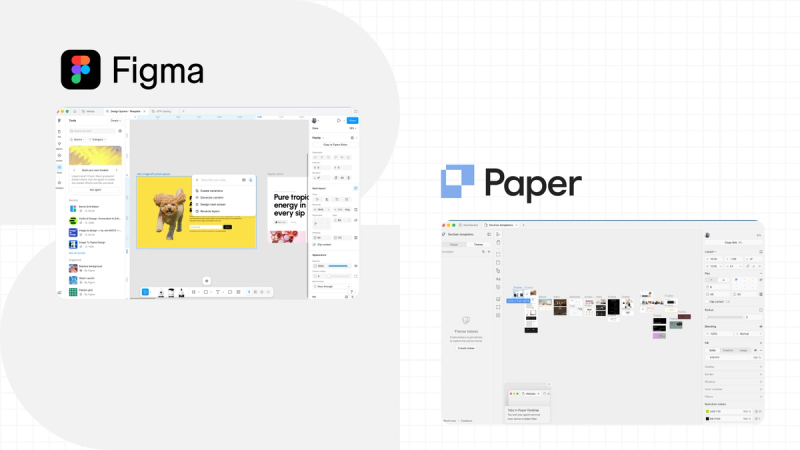
Why I Went Back to Figma After Switching to Paper Design
I compared Figma and Paper Design in April and picked Paper. Here's what pulled me back to Figma, and the one advantage Paper keeps.
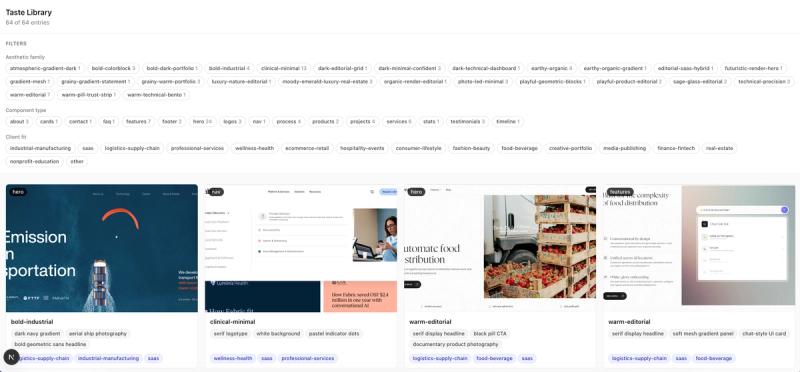
How to Teach Your AI Agent Taste
Taste is supposed to be what separates designers from AI. Here's how I actually tried to teach mine to Claude, and what happened when I tested it.
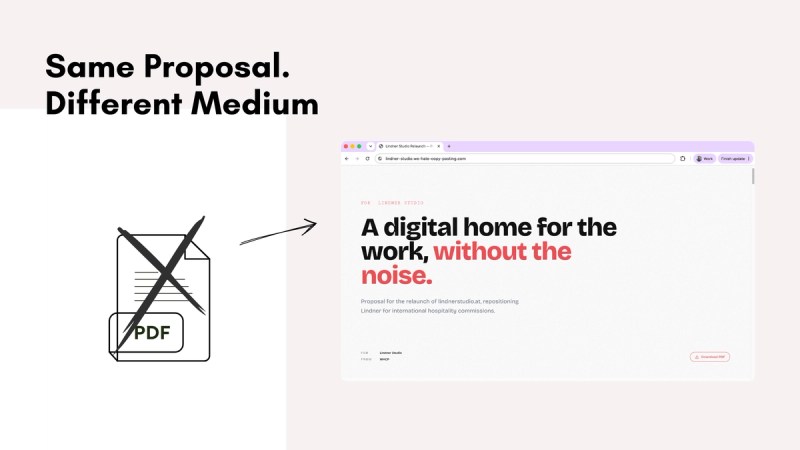
Your proposal is the first thing a client sees you make. Most agencies waste it.
Your proposal is the first real thing a client sees you make. Instead of sending another PDF, I started building proposal landing pages that demonstrate the work instead of describing it.
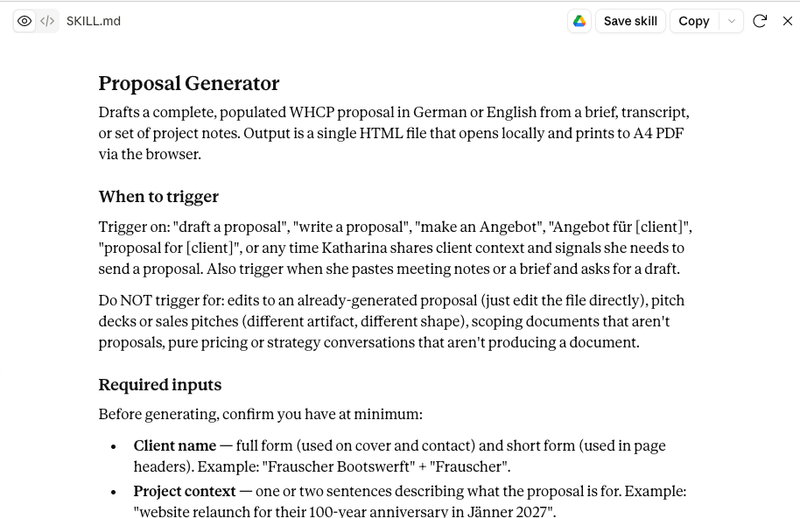
Building a Claude Skill for Proposals
How I went from a one-off proposal design in Claude to a skill that takes a brief and returns a populated HTML file and why the hardest part was stopping to build it at all.
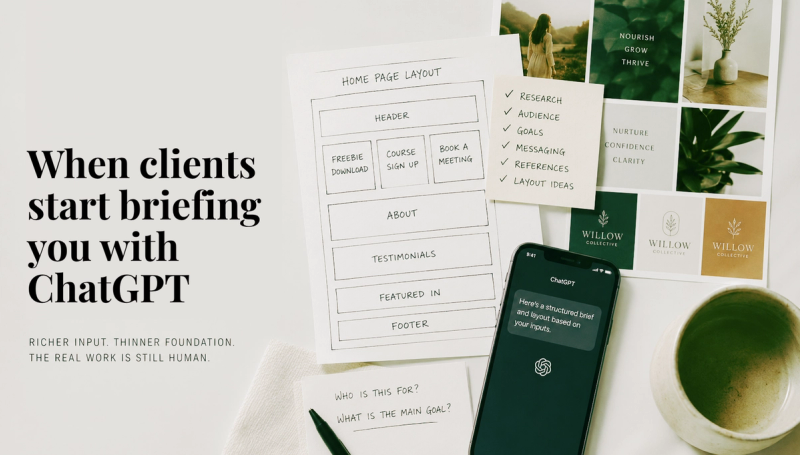
When clients start briefing you with ChatGPT
Clients are arriving with AI drafted briefs, mood references, and pre sketched layouts. Here's what actually changes for designers, and what hasn't.
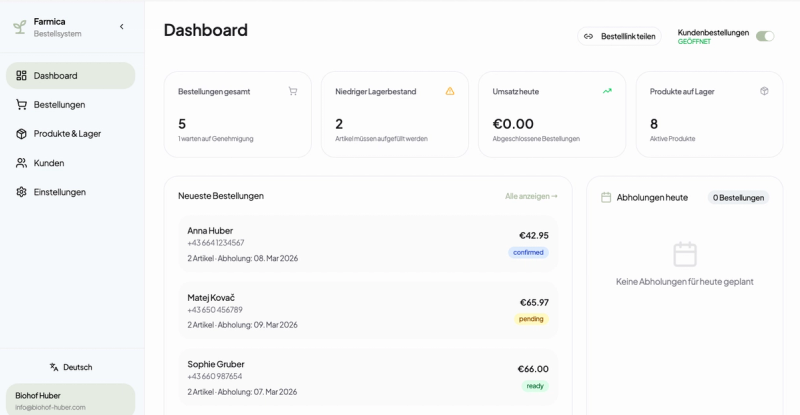
Stop describing your idea. Make it real enough to react to.
We had an idea. She had a frustration. That is not the same as having a product. Here is how a Figma prototype bridged the gap and started Farmica.
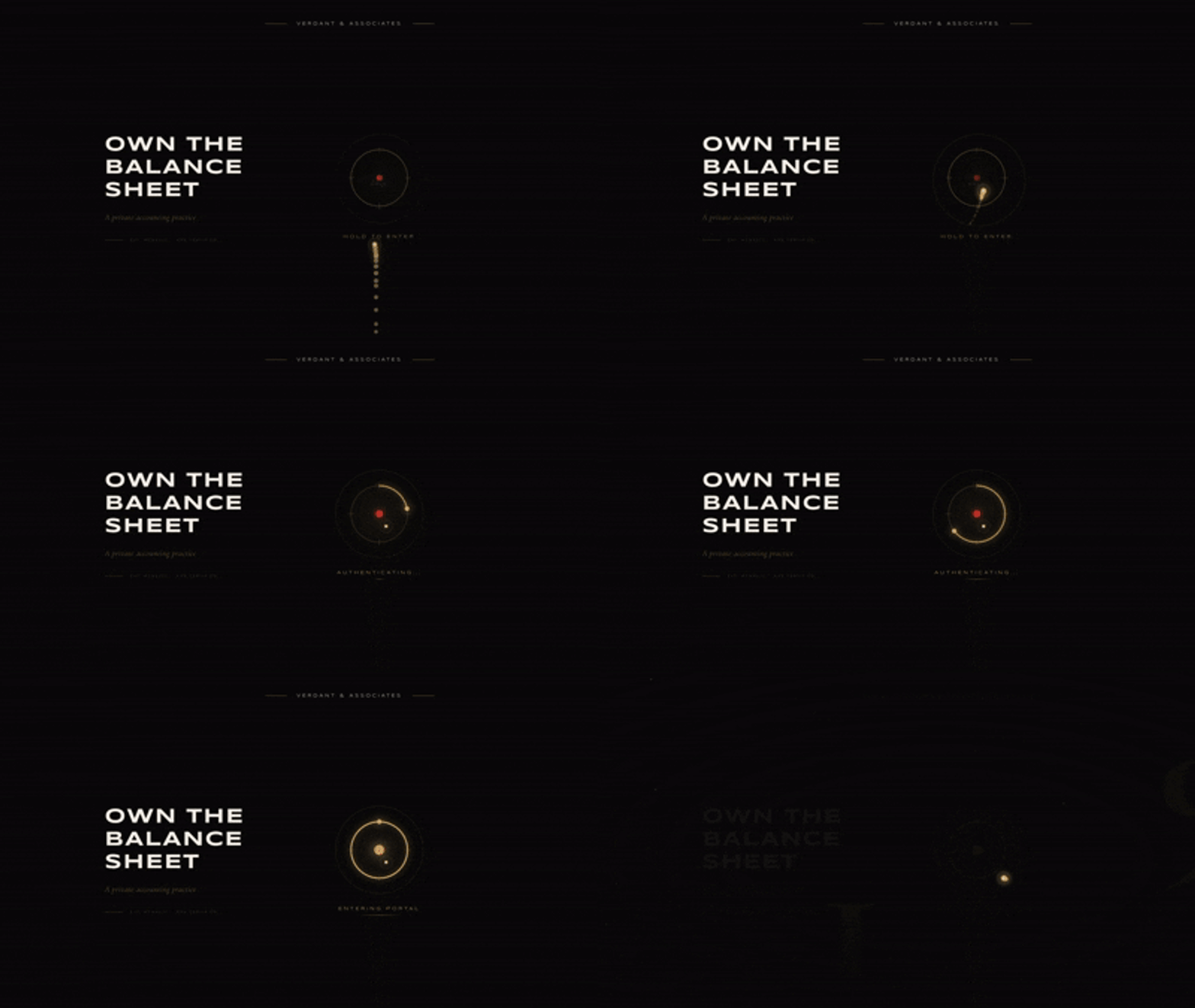
The Case for Boring Design: Why Function Beats Flash for Most Businesses
Everyone can build a website now. But knowing what actually works for a business is a different skill entirely. A case for putting function before flash.
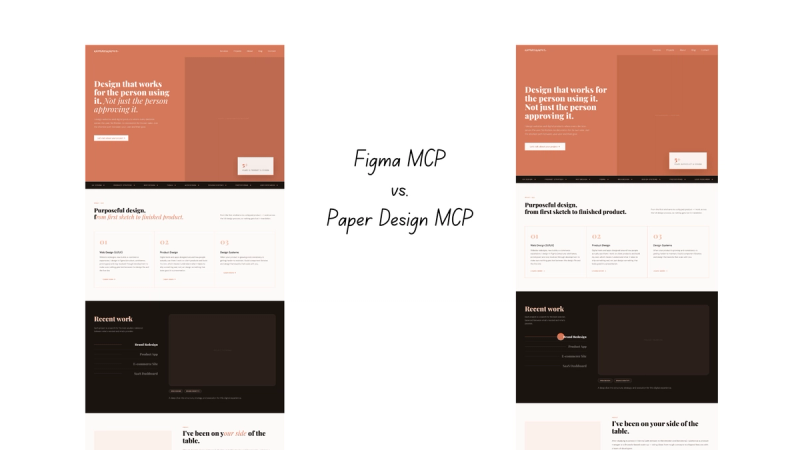
Paper Design vs Figma: Two Different Bets on the Future of Design
Figma and Paper Design are both trying to close the gap between design and code, but from completely opposite starting points. I tested both, here is what I found.
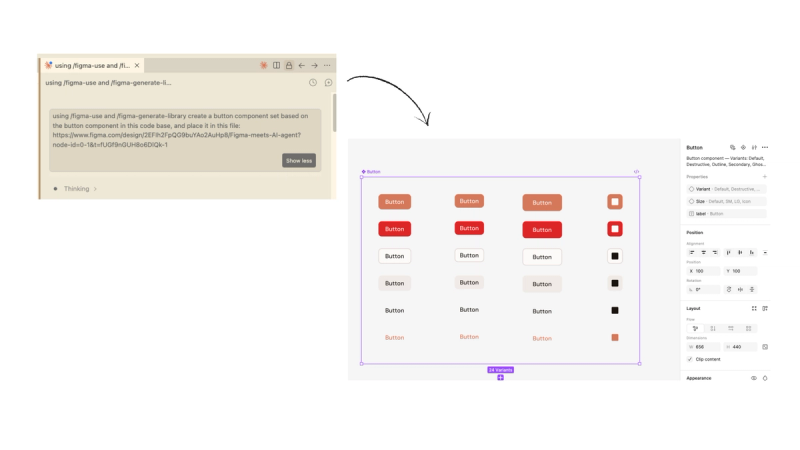
Figma Finally Opens the Canvas to AI Agents: Here's what that looks like
Figma just opened the canvas to AI agents. I tested the full workflow. Here is what it actually looks like in practice.
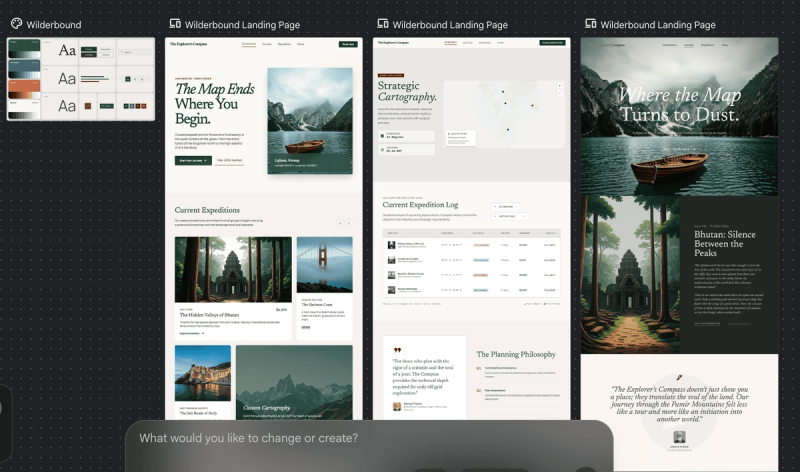
Google Stitch's Vibe Design Update: Exciting for the Right Reasons, Just Not Yet
I tested Google Stitch after the March 2026 update so you know what to actually expect. Here is what worked, what did not, and what I actually think about where this is heading.
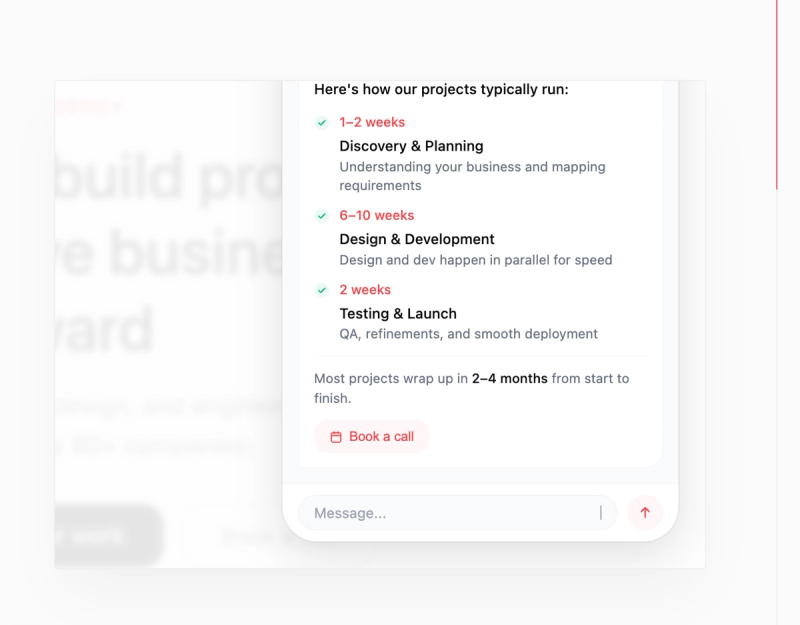
Creating Animated UI Demos for Your Website in Code Instead of Video
Instead of After Effects, Figma, or Jitter, I built animated looping UI demo widgets directly in code. Here is how and the skill I created from it.
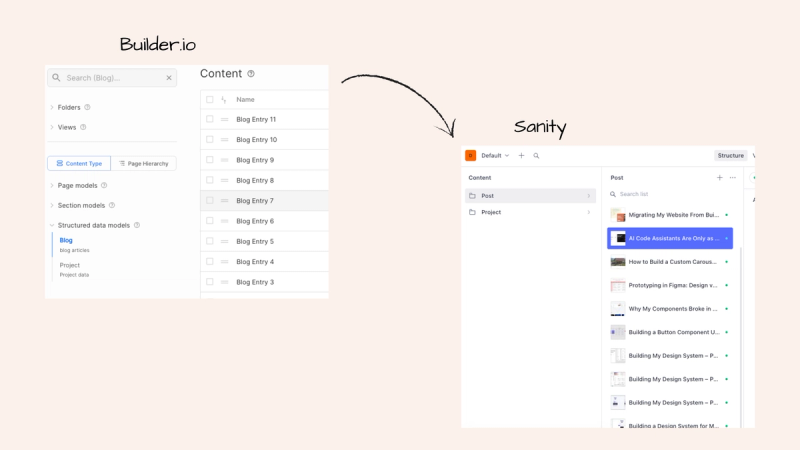
Migrating Blog Content From Builder.io to Sanity Using an AI Agent
I migrated all my blog posts from Builder.io to Sanity using an AI agent. No custom scripts written by hand, no developer needed.
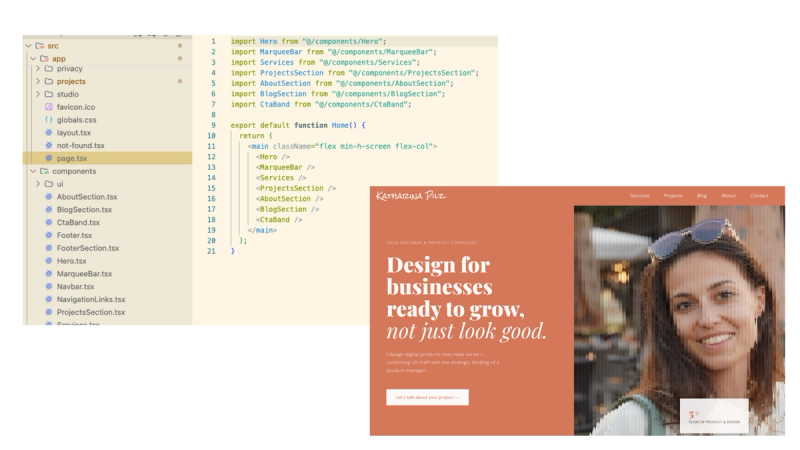
Migrating My Website From Builder.io to Custom Code
I migrated my website from Builder.io to a custom coded stack with Next.js, Sanity, and an AI code assistant. Here is what changed and why it finally made sense.
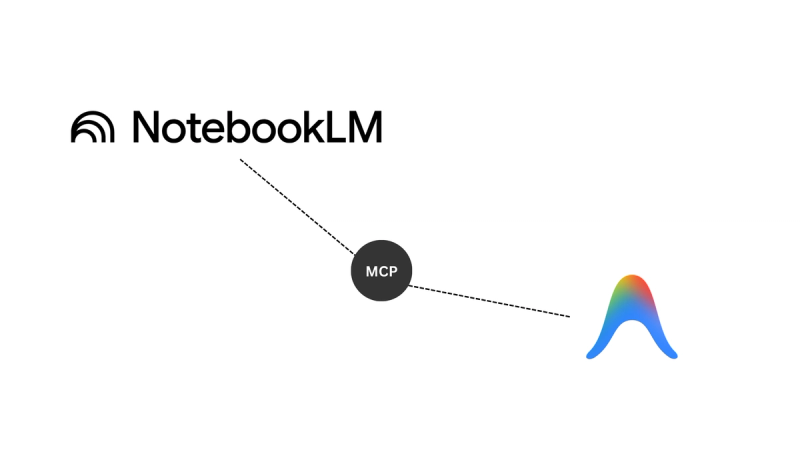
NotebookLM + AI Code Assistant: A Research Setup AI Can't Hallucinate From
NotebookLM connected to an AI code assistant via MCP: the setup, a real example, and the design applications I'm exploring next
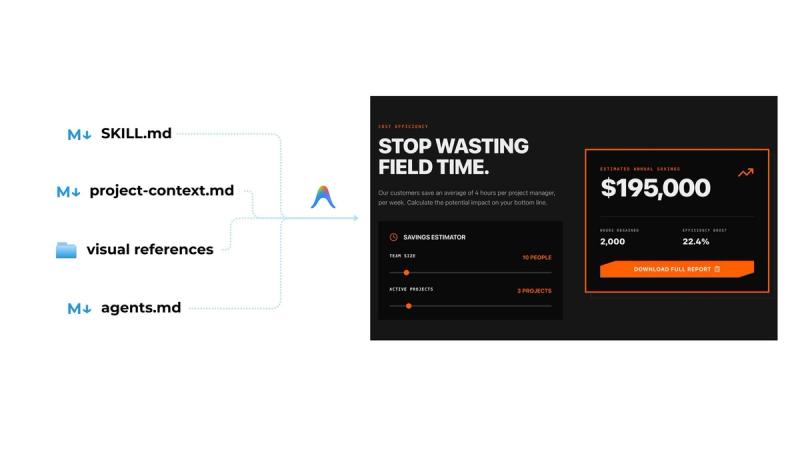
AI Code Assistants Are Only as Good as Your Design Thinking
AI won’t shortcut the design process. But if you structure your thinking clearly, it can turn strategy into working prototypes fast.
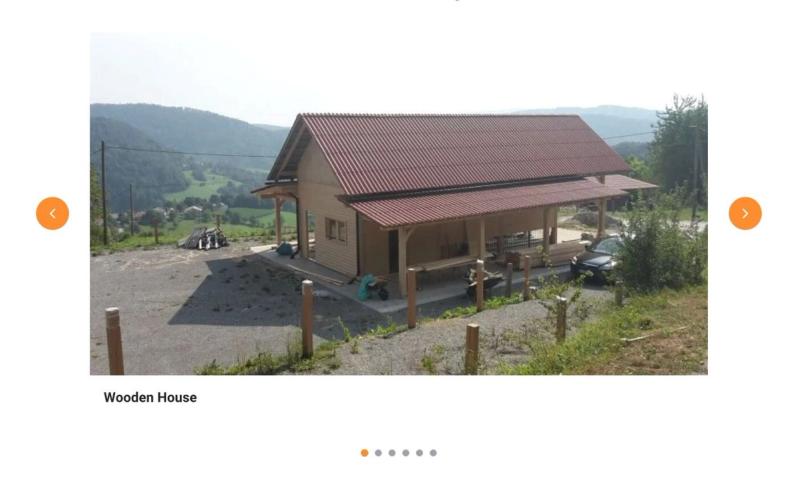
How to Build a Custom Carousel in Builder.io (Without the Widget)
Learn how to built a fully functional image carousel without relying on any widgets or external libraries.
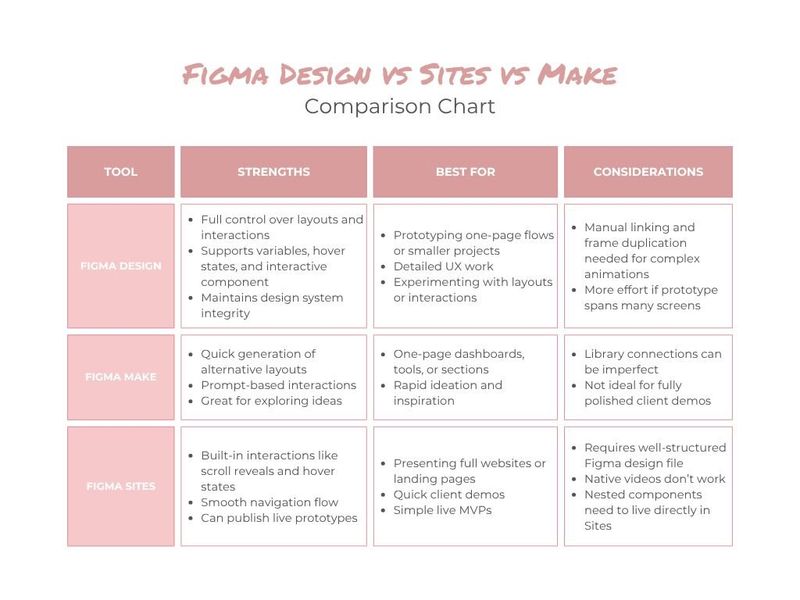
Prototyping in Figma: Design vs Make vs Sites
Comparing Figma Design, Make, and Sites to see which works best for multi-page prototypes.
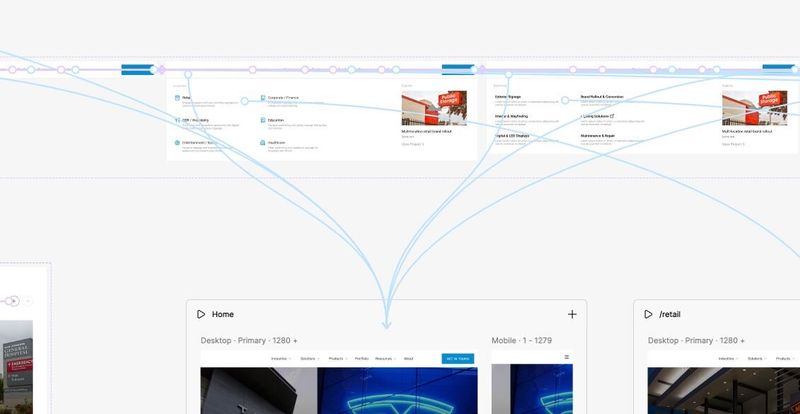
Why My Components Broke in Figma Sites — and How I Fixed It
Troubleshooting Figma Sites: why imported components break and how to fix navbars, cards, and hover states in your prototype.
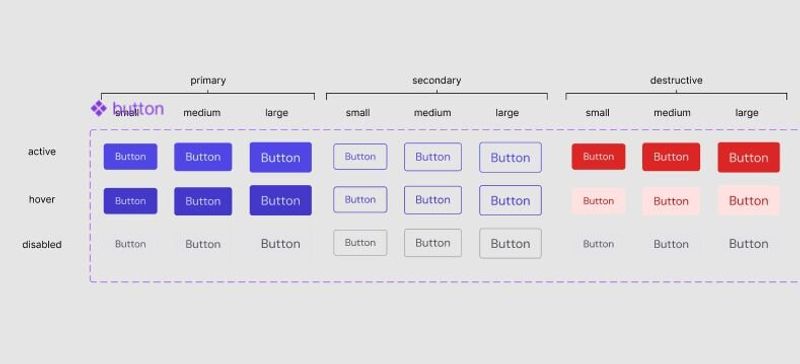
Building a Button Component Using Figma Variables
Learn how to create a button component in Figma using variables and tokens for a consistent, scalable design system.
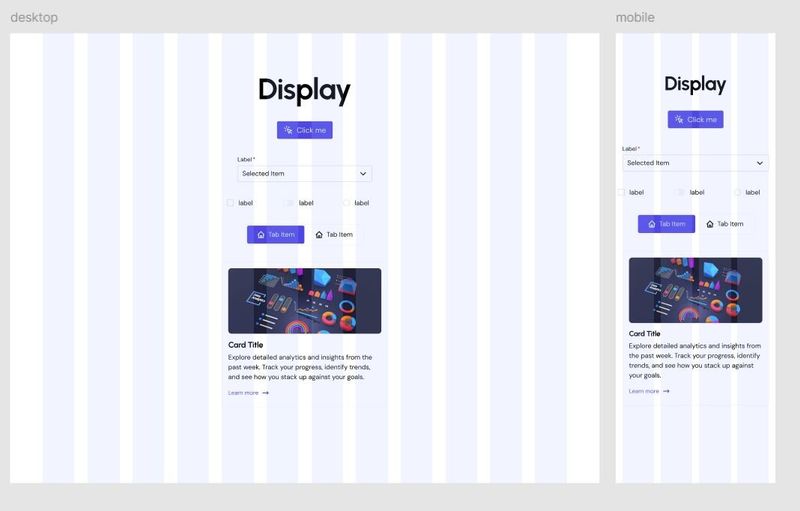
Building My Design System – Part 3: Spacing, Radii & Layout Variables
After colors and typography, in this article I will move on to numerical variables that will handle the spacing, radii and layout.
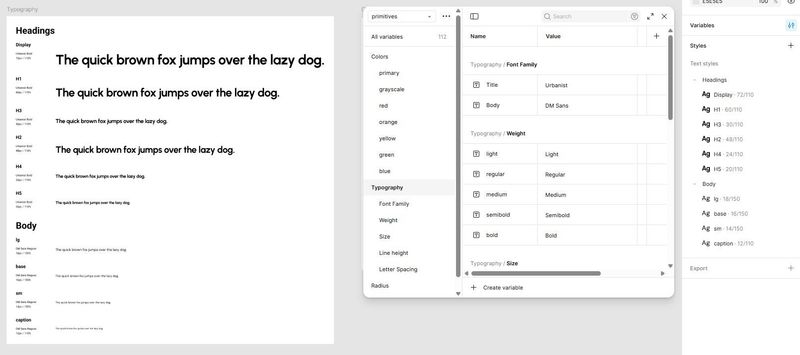
Building My Design System – Part 2: Typography Variables
How I set up flexible Figma variables and text styles to keep type consistent, responsive, and easy to update across projects.
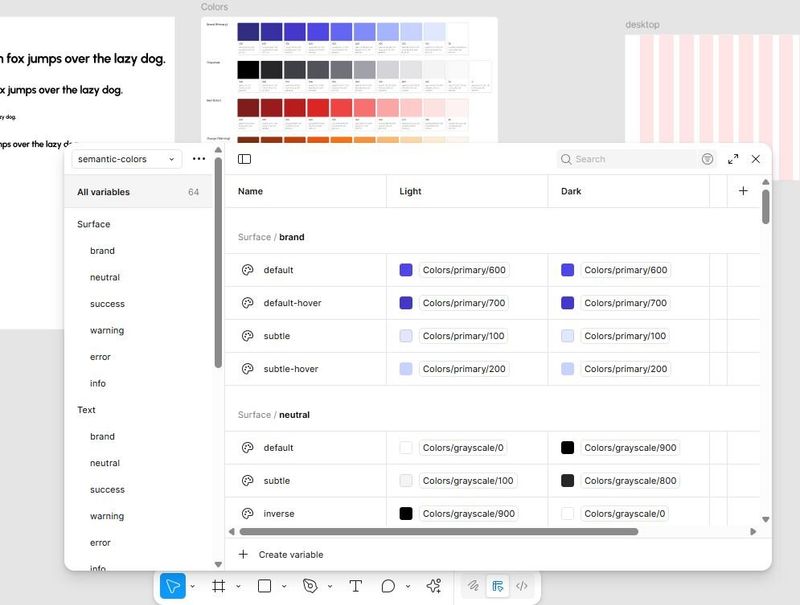
Building My Design System – Part 1: Color Variables
Starting my design system with a solid color setup in Figma — from raw primitives to semantic tokens — to make UI updates fast and consistent.
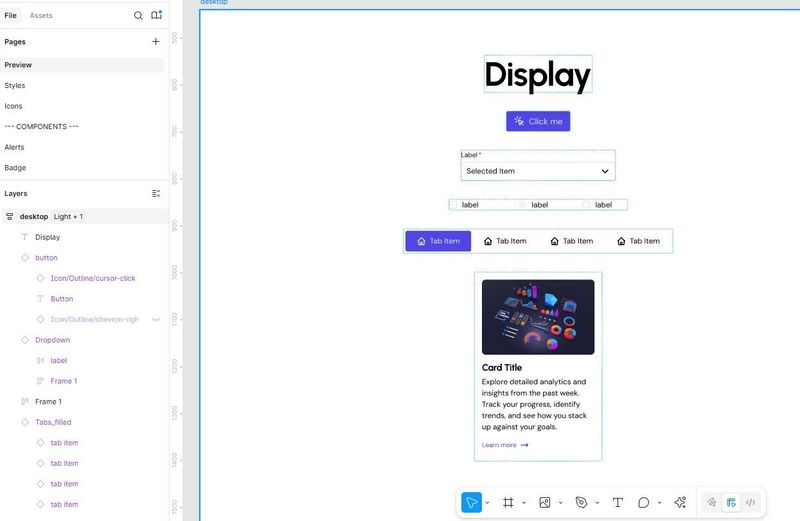
Building a Design System for Myself — So I Never Start from Scratch Again
Why I am finally building my own design system and how I will go about it.
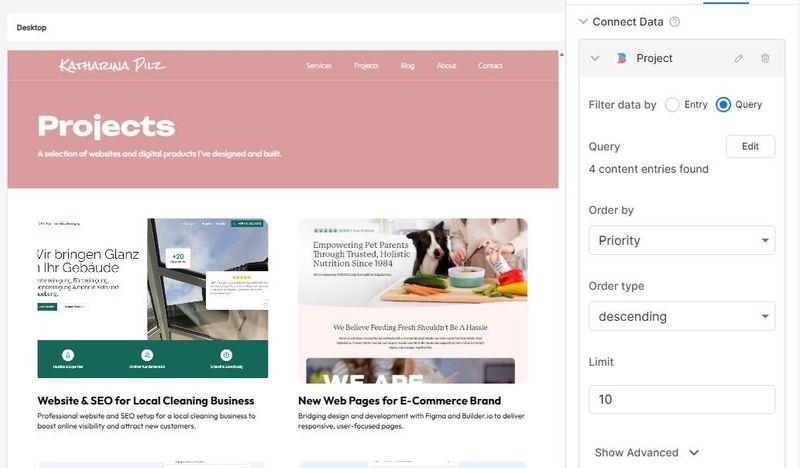
A Practical Guide to Data Models and Dynamic Content in Builder.io
A practical guide to Builder.io data models - from structured project content to rich text blogs, plus solving the tricky nested tags problem.
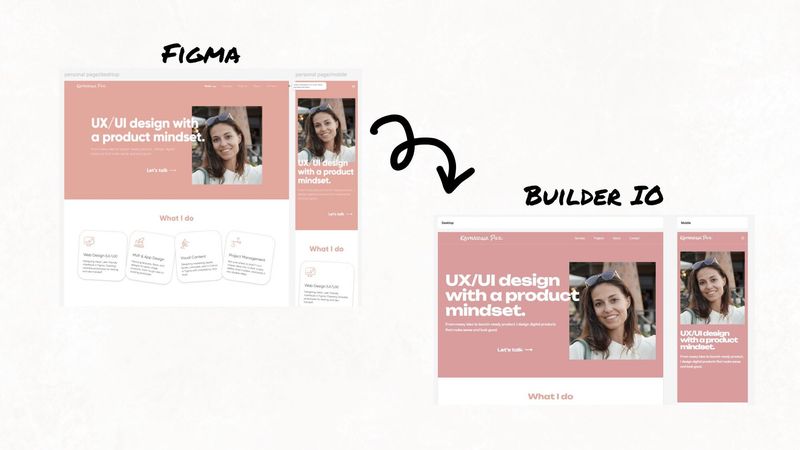
I Built My Personal Website with Builder.io — Here’s How It Went
A closer look at how I used Builder.io to set up my portfolio site. From importing Figma designs to structuring content and launching without a traditional CMS.