How I Run Discovery Workshops for Website Projects
There is always a point at the beginning of a website project where it would be very easy to open Figma. You have the existing site. The client has sent over some references. There is usually a list of things they want to improve. Maybe the homepage feels dated, the navigation has grown messy, or the website just is not generating enough leads.
You could start designing.
I try not to.
Because most of the difficult questions in a website redesign have very little to do with design at first. Who is this website actually for? Why are those people coming to it? What are they trying to understand? What does the business want them to do? And does everyone involved actually agree on the answers?
That is where discovery comes in.
I recently ran a discovery workshop for a B2B software company before starting the information architecture and wireframes for their new website. It was a good reminder that discovery is not about collecting more information for the sake of it. It is about creating enough shared clarity to make better design decisions afterwards.
Where discovery sits in the process
I see discovery as the bridge between research and design. For me the sequence looks roughly like this:
Research → Discovery workshop → Synthesis → Information architecture → Wireframes → Visual design
The research gives me context. The workshop helps us make the decisions I cannot make from the research alone. The synthesis turns those decisions into something usable. Only then do I start deciding what the website should actually contain and how it should be structured.
That order matters. If you start with the sitemap, you are already making assumptions about what matters. If you start with the homepage, you are making even more of them.
Discovery gives those later decisions something to be based on.
When a workshop is actually useful
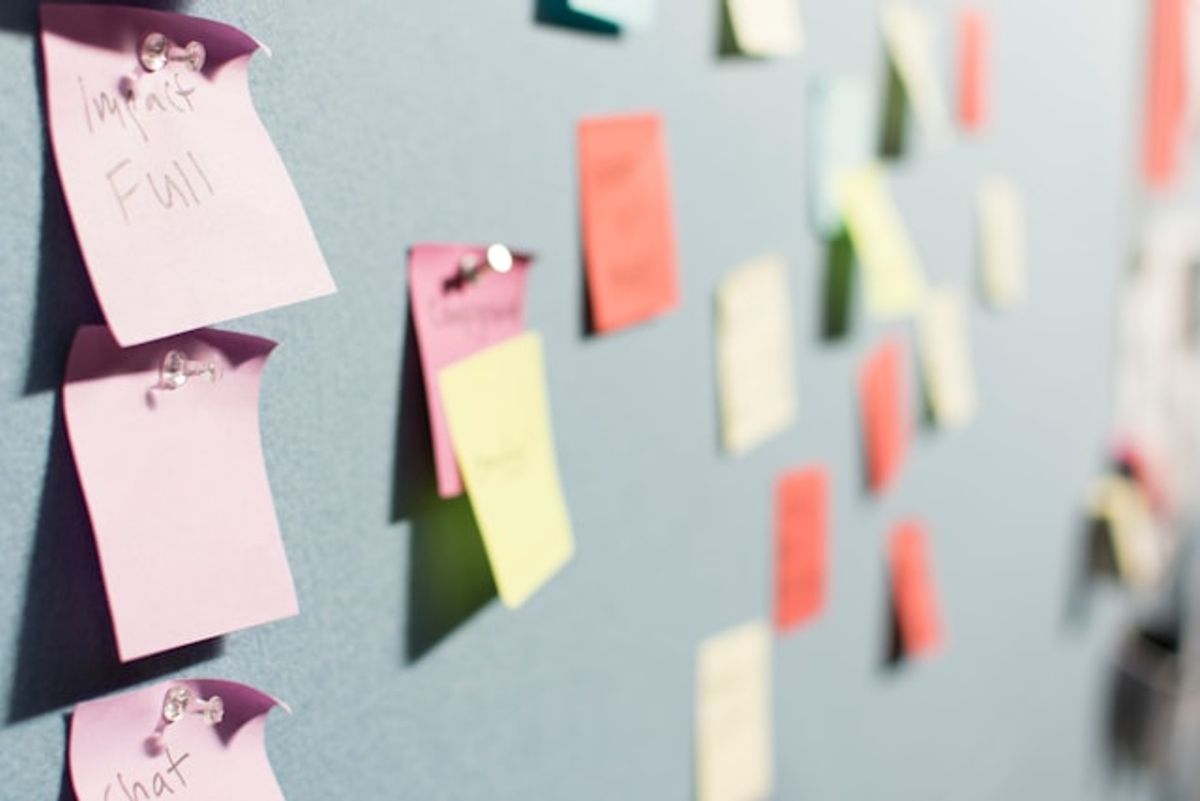
Not every website project needs a three-hour workshop and a wall full of Post-its. If one person understands the business, customers and sales process extremely well, a few good conversations might be enough.
A workshop becomes more useful when there are several stakeholders, when different teams see the customer differently, or when the website itself is being asked to do something new. Maybe the company is moving from outbound sales toward inbound. Maybe a product that used to require a sales call is becoming self-service. Maybe the customer base has changed, but the website still speaks to the audience from three years ago.
At that point, redesigning the existing structure is not really enough. You first need to understand what the new structure should be solving.
My simplest test is this. If the important questions are already answered, you probably do not need a workshop. If the project keeps producing questions that the designer cannot reasonably answer alone, you probably do.
The workshop starts before the workshop
The quality of the workshop depends heavily on what happens before everyone enters the room. I do not want to spend three hours asking questions that could have been answered in an email.
So before the session, I try to understand as much as I can independently. That usually means looking at the existing website, the product or service offering, competitors, sales material, customer examples, and anything else that helps me understand how the business works today.
I also like sending a questionnaire to the main stakeholders beforehand. Not an enormous one. I usually ask things like:
- Who is the main customer?
- What problem does the company solve for them?
- Who is involved in the buying decision?
- How do customers currently discover the company?
- What should the website achieve?
- What is not working today?
The interesting part is not necessarily the answers themselves. It is where the answers do not match.
In the project I mentioned earlier, the reason for the redesign was already clear from the kickoff and the questionnaire. There was no need to spend workshop time asking everyone why they needed a new website again. Instead, I used the workshop for the things that were still unclear, contradictory, or needed a shared decision.
That is the distinction I find most useful. A discovery workshop is not where you discover everything. It is where you resolve the things that still need collective thinking.
Look for contradictions
Before the workshop, I actively look for places where the research does not line up neatly. The team might describe one target customer, while recent sales data suggests another. The business might say the website should generate inbound demand, while almost all sales still come from outbound. Everyone might agree that the homepage should speak to decision makers, while the future business model depends on end users trying the product themselves.
Those are useful tensions. I do not want to smooth them over before the session and present a clean summary that makes it look like everyone already agrees. Those disagreements are often the most valuable workshop material.
I also prepare some of the Post-its in advance when they represent things we already know from the research. The point is not to make people copy known facts onto a blank note, it is to spend the group's time on the parts that actually need discussion. I treat those pre-written notes as inputs, not answers. They can still be challenged, changed or removed.
Start with the customer
Once the overall direction is clear, I usually start with the question that has the biggest influence on everything that follows: who is this website actually for?
I give everyone a few quiet minutes to think and write individually before we discuss anything together. That small bit of alone time matters. If you start with an open discussion, the first confident answer can very quickly become the group's answer. Writing separately gives you a much better picture of where people actually agree and where they do not.
Then we put everything up and talk through the differences.
I am less interested in traditional ICP descriptions like "manufacturing company, 50 to 250 employees, DACH region". That can be useful context, but it does not tell me much about why somebody would need the product. I would rather understand the situation that makes someone a good customer. What has to be happening inside the company? What problem has become painful enough that they are looking for a solution? What triggered that search now? What makes one company a great fit and another seemingly similar company completely irrelevant?
Before we group any of it, I want to test it against reality. So I bring in a small number of actual won and lost deals from the research. Not twenty CRM records, just a few examples prepared as simple cards: what kind of company, what triggered the conversation, who was involved, and what ultimately happened.
Someone closer to those deals talks us through them while everyone else adds observations. The important part is that I do not change the picture on the wall every time a single example contradicts it. We go through the examples first, look for patterns, and only then go back to what we wrote.
Sometimes the assumptions hold up. Sometimes they need changing. And sometimes you realise the variable everyone thought mattered most is not particularly important at all.
Only then do we group and sort what is on the wall, into what is decisive, what is helpful but not decisive, and what makes someone a poor fit.
A useful ICP describes a situation, not just a company.
Personas, but only the useful parts
Once we have a clearer picture of the customer, we move from the company to the people involved. I do use personas, but I am not particularly interested in fictional biographies. For a website project, I care about the person's role in the decision:
- Who first feels the problem?
- Who is responsible for solving it?
- Who controls the budget?
- Who evaluates the solution?
- Who can block it?
We identify those roles together and discuss what each person actually needs from the website. A CFO might want to understand the financial impact. Someone responsible for operations wants to know whether you actually understand their process. IT wants to know what this thing is going to do to their existing system landscape. An end user might simply want to see the product.
That is enough for a persona to start changing the website. If a persona does not influence the content, hierarchy, journey or call to action, I am not sure what we are creating it for.
Map the journey from the customer's side
Once we understand who we are talking about, we move into the journey. I prefer going deeper on one meaningful situation rather than trying to map every possible visitor in the room.
So we pick a focus role and give them a concrete context. Not simply "CFO visits website", but something more like: this person is in this kind of company, something has happened, and now they have a reason to start looking.
Then we build the journey chronologically. What triggered the need? How did they arrive? What are they trying to understand first? What question is in their head? What would they need to see or believe before moving forward? What might stop them? What happens next?
The early stages are often surprisingly basic. What is this company? Who are they? Is this relevant to me? Can they actually solve my problem? Can I trust them? Only later do we get into value, pricing, the first conversation, or how the actual engagement works.
I facilitate this mostly by asking questions. The participants know their customers and sales process much better than I do. My job is to keep us looking at the experience from the customer's side and stop us jumping too quickly into solutions.
Someone will inevitably say "we need a page for that." Maybe. But during discovery I am more interested in what sits underneath that suggestion. What does the person need to know? A page is one possible answer later. For now, the information need is more useful.
How I run the room
I try not to turn discovery workshops into presentations. There is a simple rhythm I like:
Think alone → put it up → discuss together → agree or leave the disagreement visible
Not every exercise needs all four steps. Sometimes I want independent perspectives first, so everyone writes alone. Sometimes we already have research on the wall, so we start by reacting to it together. Sometimes the group agrees quickly, and sometimes the disagreement is the useful output.
I do not need consensus on absolutely everything. If two people leave the workshop still disagreeing on an important point, but we now understand exactly what the disagreement is and what evidence would resolve it, that is still progress.
What comes out of the workshop
A workshop is not successful because the wall is full. I would rather leave with fewer things and more agreement. Usually I want clarity around:
- who the primary and secondary customers are, and what makes someone a poor fit
- which roles matter in the buying process
- what the most important customer journeys look like
- what visitors need to understand at each stage, and what the main conversion paths are
- which questions are still genuinely unresolved
Then comes the synthesis.
Photos of Post-its are not the deliverable. I go back through the workshop, combine it with the research from before, clean up the decisions, flag open questions and turn the whole thing into a clear reference for the next phase.
Then I can start working on the information architecture, followed by wireframes and visual design.
And when a question comes up later, we have something better to fall back on than personal preference. Instead of "I think this should be higher on the homepage," we can ask, "Does our primary customer need this before they are ready to take the next step?"
That is a much better design conversation.
Discovery gives design decisions context
Discovery is not going to tell you whether the hero should have two columns or whether the navigation should be sticky. It should not. There is still a lot of design judgment afterwards.
What discovery does is give that judgment context.
A lot of website projects look like design problems from the outside. Quite often they are clarity problems first.
Figure that part out, and Figma gets a lot easier.