Migrating Blog Content From Builder.io to Sanity Using an AI Agent
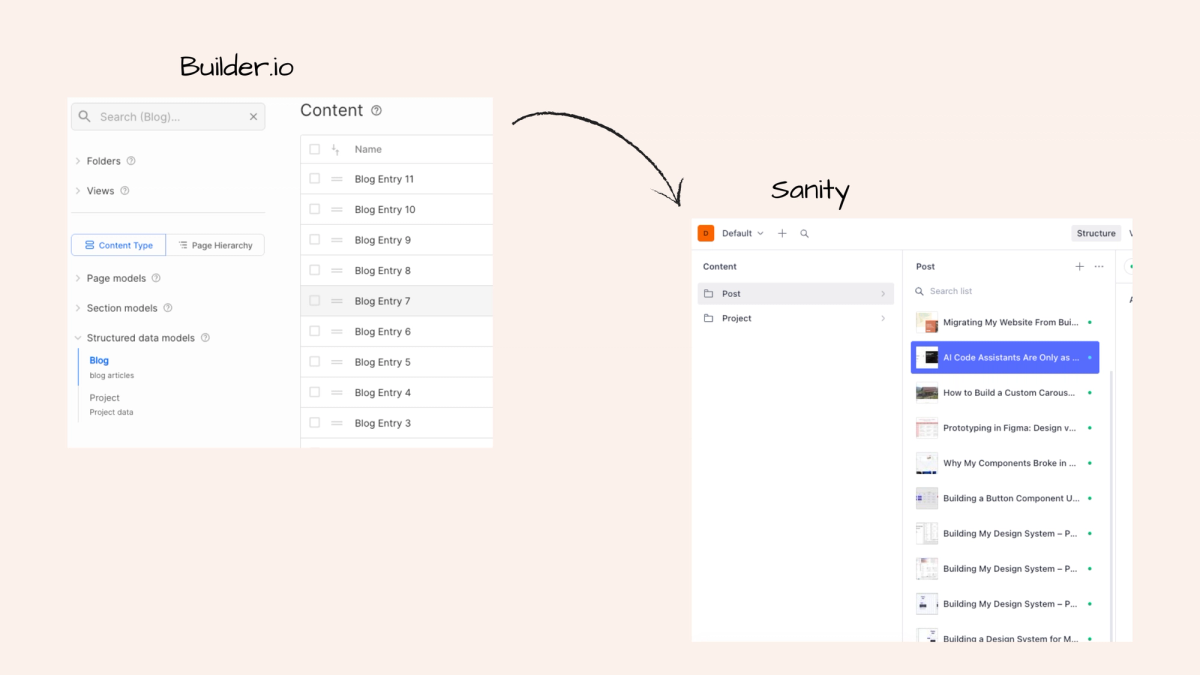
This post is the follow-up I promised in my last one. After migrating my site from Builder.io to a custom Next.js and Sanity stack, I still had one thing left to sort: moving all my existing blog posts over.
I started the way most people do, searching for an existing guide. I found an article about migrating from Sanity to Builder.io, which was not only the wrong direction but also not very straightforward. So I stopped trying to find a manual solution and did what made more sense: I asked the AI agent to figure it out.
Here is what that looked like.
The Plan
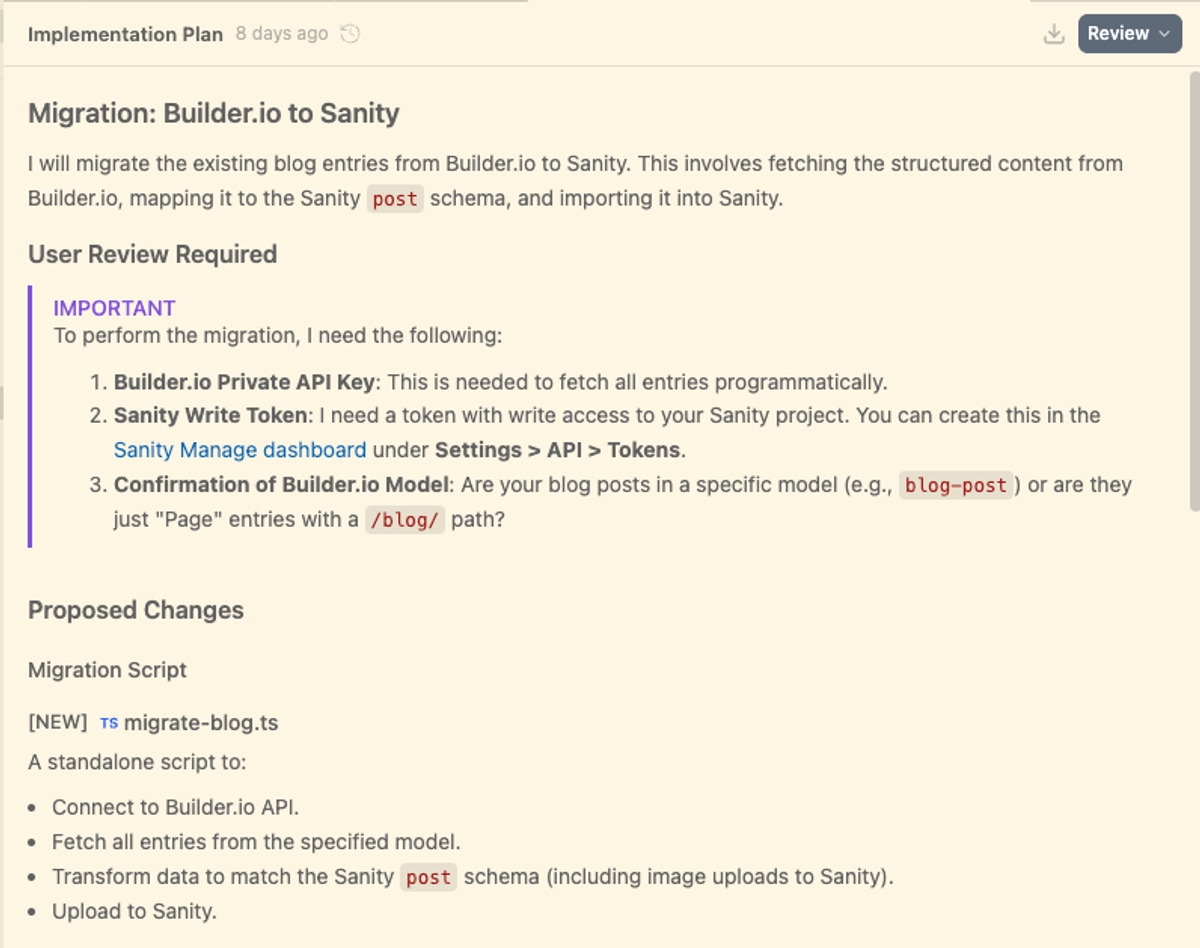
Inside my codebase in Antigravity, I asked the AI agent (Gemini) to make a migration plan. Before writing a single line of code, it came back with a clear implementation plan: connect to the Builder.io API, fetch all blog entries, transform the data to match my Sanity post schema, upload everything including images to Sanity.
It also flagged what it needed from me before it could proceed. Three things:
- a Builder.io private API key,
- a Sanity write token,
- and confirmation of my Builder.io content model name.
That last one is worth paying attention to. Builder.io content can be structured in different ways. Mine was a specific blog-post model, not just generic page entries. The agent needed to know that to fetch the right content.
Providing the APIs
I added both keys to my .env.local file and approved the plan. That's when I hit the first snag.
Authorization error. Took a minute to figure out why. I had created the Sanity write token without the right scope. Small thing, easy to miss, but worth knowing upfront: make sure your Sanity token has write access to the specific project. Once I fixed that, the agent ran the script without issues.
For the Builder.io Private API key, you find it in your workspace under Settings, then your Space, then Private Keys.
The Result
The migration itself ran cleanly. All blog posts landed in Sanity with their content, cover images, and tags intact. What I hadn't anticipated was that the agent would also go ahead and build the blog overview and post detail pages while it was at it. A nice bonus, but they needed some work. The styling was generic and the structure didn't quite match what I had in mind for the rest of the site, so I spent some time fine tuning both until they felt right.
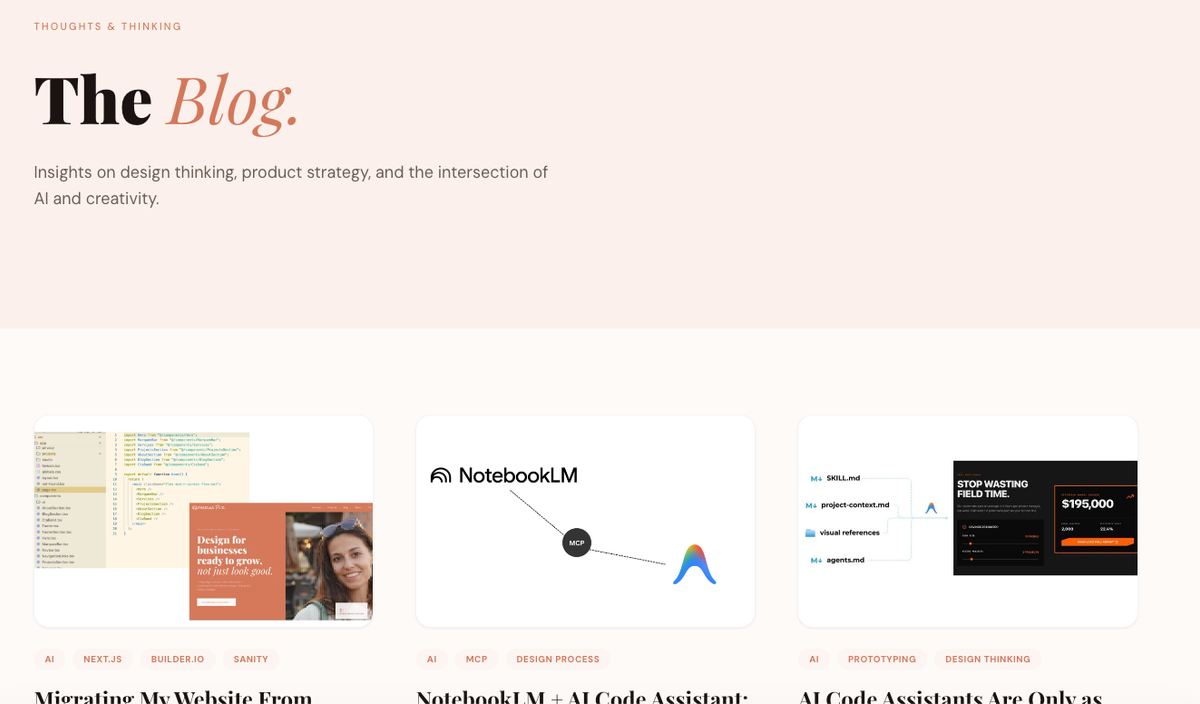
Then came the little hiccups you only notice when you actually open a post in your local preview and start clicking around. Bullet points and numbered lists weren't rendering in rich text. Not a Sanity issue exactly, just something the Portable Text renderer doesn't handle by default. One quick conversation with the agent and it was sorted.
The other thing I ran into was that Sanity's rich text doesn't support video embeds out of the box. If you want to add a YouTube video inside a blog post, you need to add a custom block type to your schema. I found a clear article on the Sanity docs explaining exactly how to do it, fed it to the agent as context, and it handled the implementation from there.
The one thing that didn't make it over was SEO data. In Builder.io that lived at the page level inside the visual editor, completely separate from the actual blog data model, which meant the API had no way of knowing it was there. I added it manually to each post afterwards. Not a problem given the number of posts I had, but if you're planning a larger migration it's worth factoring in upfront.
Anyone can do this now
A year ago, migrating content between two platforms would have meant hiring a developer or spending days figuring out the API yourself. Now it's an afternoon. You describe what you want, the agent makes a plan, you provide the keys, and it runs. The hardest part was a wrong API scope, and that took less than five minutes to fix.
That's kind of the whole point. The technical barrier that used to make this kind of work inaccessible is basically gone. What's left is just decision making: understanding your content, knowing what you want the result to look like, and being able to recognise when something needs a small fix.